
Full Guide – How can you check if someone blocked you on facebook
How Can You Check If Someone Blocked You on Facebook (Step-by-Step Guide)
Understanding whether someone has blocked you on Facebook can be confusing because Facebook does not directly notify users when they are blocked. However, there are several reliable signs and methods you can use to determine if someone has blocked you.
In this guide, we will walk you through step-by-step methods to check if someone has blocked you on Facebook, along with important explanations to avoid confusion with account deactivation or privacy settings.
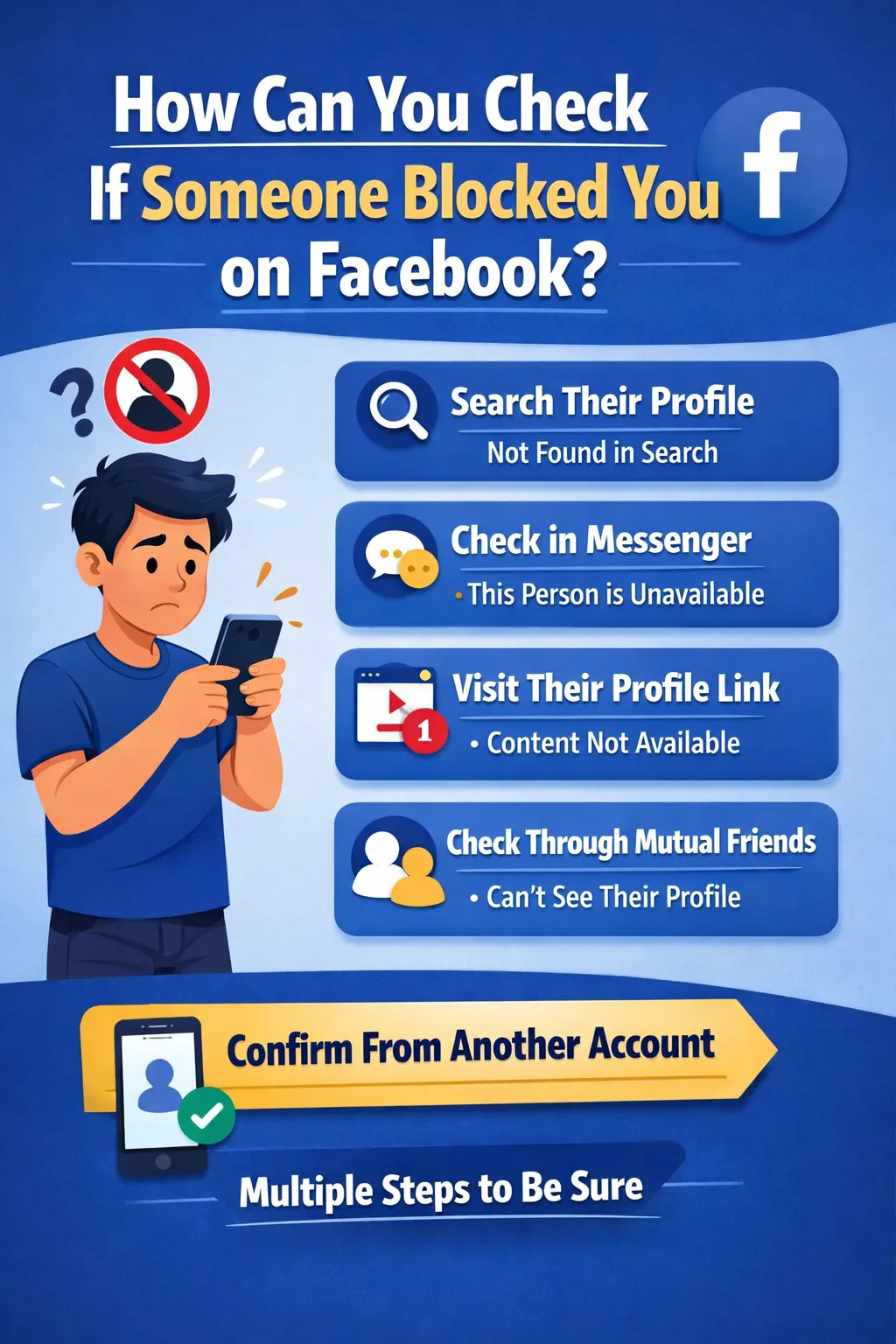
What Happens When Someone Blocks You on Facebook?
Before checking, it’s important to understand what blocking actually does:
- You cannot see their profile
- You cannot send messages
- You cannot find them in search
- You cannot tag or mention them
- Past conversations may remain, but interaction stops
Blocking is a complete restriction, unlike unfriending or privacy changes.
Step-by-Step Methods to Check If Someone Blocked You
Step 1: Search Their Profile on Facebook
The first and easiest method is to search for the person.
How to do it:
- Open Facebook
- Use the search bar
- Type the person’s name
What to look for:
- If their profile does not appear at all, it may mean:
- You are blocked
- They deleted or deactivated their account
👉 Tip: Try searching from another account to confirm.
Step 2: Check Old Conversations in Messenger
Messenger can give strong clues.
Steps:
- Open Facebook Messenger
- Go to your chat history
- Find your conversation with that person
Signs of being blocked:
- Their name appears, but:
- You cannot send messages
- It shows “This person is unavailable”
- Their profile picture may disappear
👉 If you can’t send messages, blocking is highly likely.
Step 3: Try Visiting Their Profile via Direct Link
If you previously visited their profile, you might still have the link.
Steps:
- Open browser
- Paste their profile URL
- Press Enter
Results:
- If you see:
- “This content isn’t available right now”
👉 It usually means: - You are blocked
- OR profile is deleted
- “This content isn’t available right now”
Step 4: Check Through Mutual Friends
This is one of the most reliable methods.
Steps:
- Go to a mutual friend’s profile
- Check their friend list or posts
- Look for the person
What it means:
- If others can see the profile but you cannot → You are blocked
- If no one can see it → account may be deleted
Step 5: Tag Them in a Post or Comment
Try tagging their name.
Steps:
- Create a post or comment
- Type @ followed by their name
Result:
- If their name does not appear → possible block
- If it appears → you are not blocked
Step 6: Search on Google
Sometimes profiles still appear on Google even if blocked.
Steps:
- Go to Google
- Search:
Facebook + person’s name
Check:
- If profile appears on Google but not on Facebook → you may be blocked
Step 7: Use Another Facebook Account
This is the final confirmation method.
Steps:
- Use a friend’s account or create a new one
- Search the same person
Results:
- If visible from another account but not yours → confirmed block
- If not visible anywhere → account may be deleted
Difference Between Blocked, Unfriended, and Deactivated
Many people get confused between these three situations:
1. Blocked
- Profile invisible
- Cannot message
- Cannot find in search
2. Unfriended
- Profile still visible
- Can send friend request again
- Can message (depending on privacy)
3. Deactivated Account
- Profile disappears for everyone
- No one can find it
- Account may return later
👉 Always confirm using multiple methods before concluding.
Important Signs That Strongly Indicate You Are Blocked
If you notice multiple signs together, it’s almost certain:
- Cannot find profile in search
- Cannot send messages
- Profile link shows error
- Others can see the profile but you cannot
Common Mistakes People Make
❌ Assuming immediately after search failure
Sometimes:
- Name spelling is wrong
- Account privacy is high
❌ Ignoring account deactivation
People often deactivate accounts temporarily.
❌ Not cross-checking with another account
This is the most reliable confirmation step.
Can You Bypass or Contact Someone After Being Blocked?
No, Facebook does not allow direct contact after blocking.
However, you can:
- Use another platform (WhatsApp, Instagram, etc.)
- Ask a mutual friend (if appropriate)
👉 Respect privacy — blocking is usually intentional.
Final Conclusion
There is no single official notification from Facebook that tells you if someone has blocked you. However, by combining multiple methods like:
- Searching their profile
- Checking Messenger
- Using mutual friends
- Testing from another account
You can accurately determine whether you’ve been blocked.
The most reliable method is checking from another account. If the profile is visible there but not from your account, then you are definitely blocked.
Also Check –How Many Cups are in a Pint? The Ultimate Conversion Guide
